PKeyMaster
An open-source toolkit for Microsoft product key validation, CID retrieval, and advanced key scanning.
Download / How to use?
- Download the zip file using one of the buttons above.
- Right-click on the downloaded zip file and find the option to extract.
- Run the file named
PKeyMaster.cmdfrom the extracted folder. - You will see the PKeyMaster GUI. Follow the on-screen instructions.
- That's all.
Screenshots
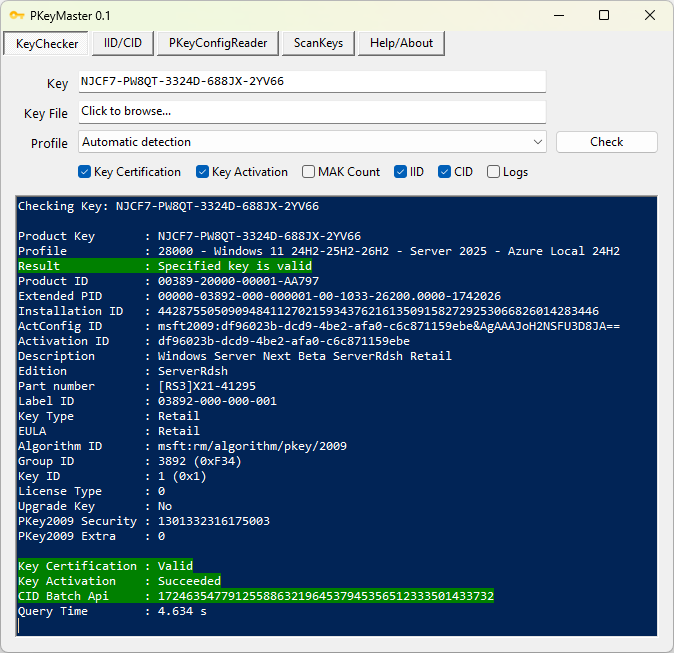
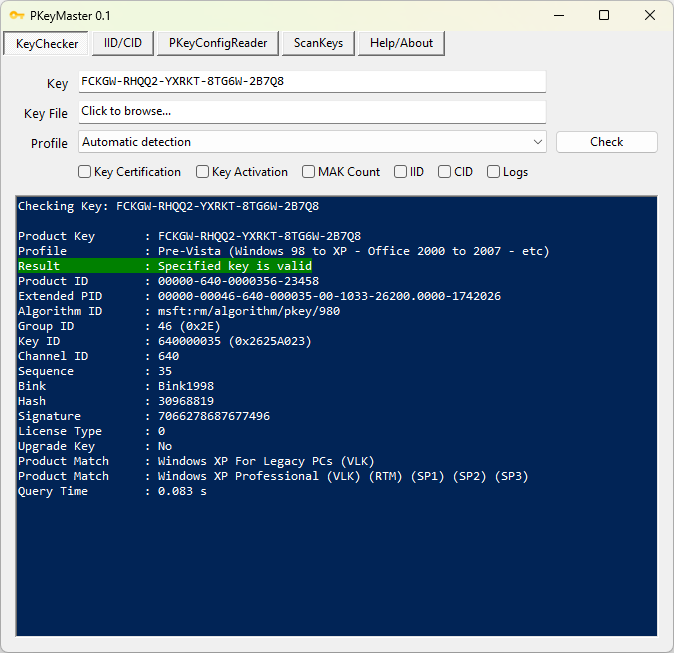
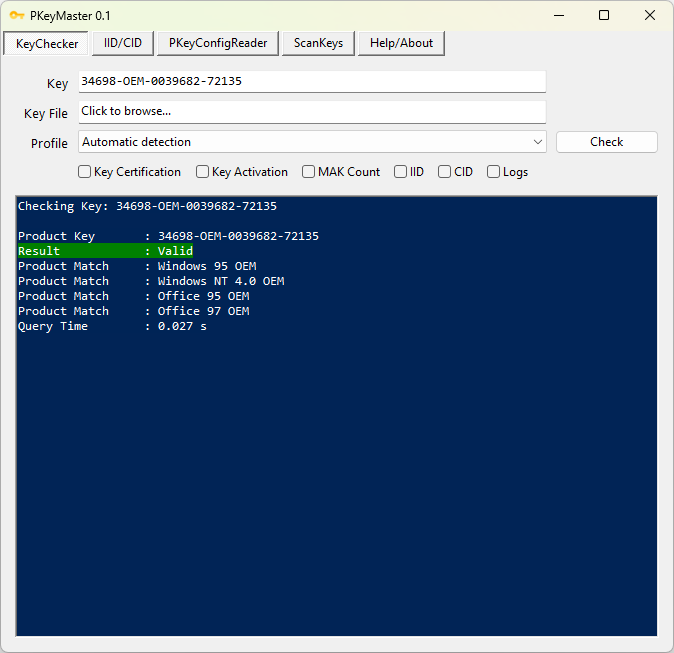
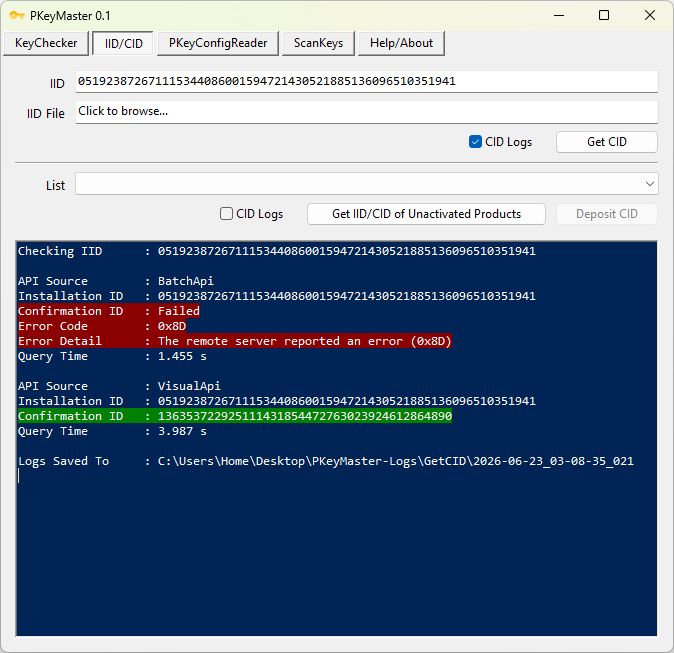
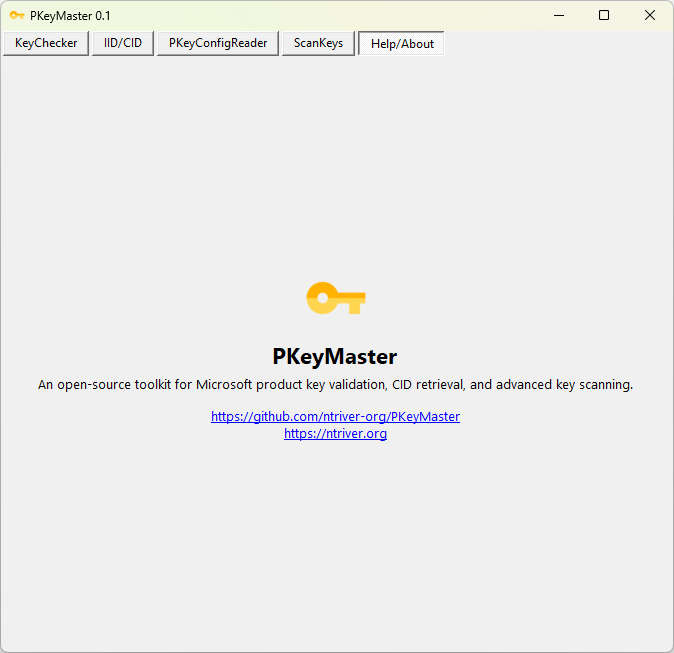
PKeyMaster Latest Release
Latest version: 0.3
Release date: 28-June-2026
Git Mirrors: GitHub / Codeberg / Tangled
Features
- Key Validation: Validates Microsoft product keys (Windows, Office, VS, etc) from Windows 95 era to the latest releases.
- PKeyConfigsMap: A large collection of PKeyConfigs and a smart map to quickly search keys.
- Key Certification: Verifies key certification status via
SLCertifyProduct. - Key Activation: Activates keys using
SLActivateProduct. - MAK Count: Retrieves remaining MAK activation count.
- Installation ID (IID): Generates IID using
PidGenX.dll. - Confirmation ID (CID): Retrieves CID via the Batch API, with fallback to the Visual API.
- Phone Activation (CID): Retrieves and deposits CID for eligible products.
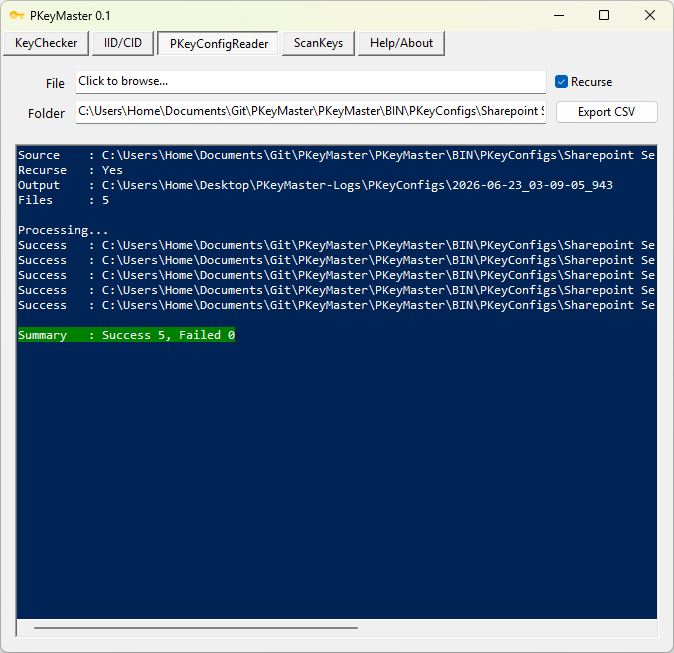
- PKeyConfig Reader: Reads and exports PKeyConfig data to CSV.
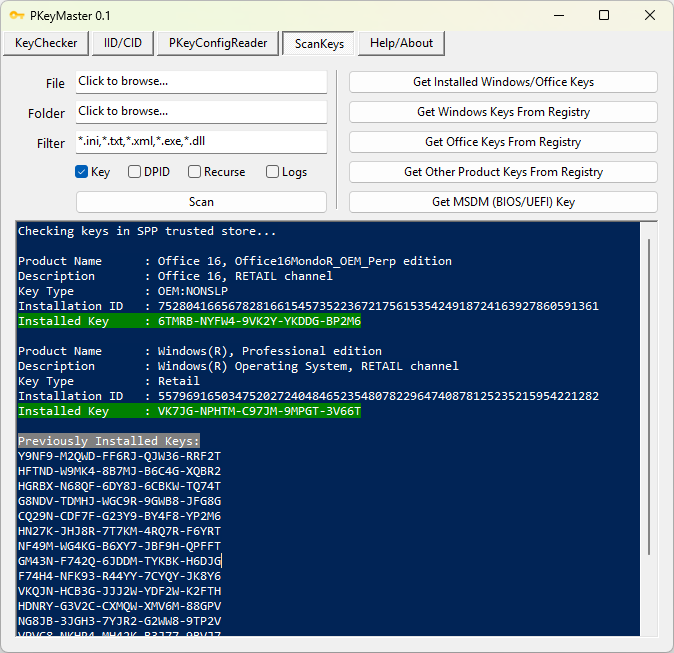
- Key Scanning: Finds product keys in text and binary files.
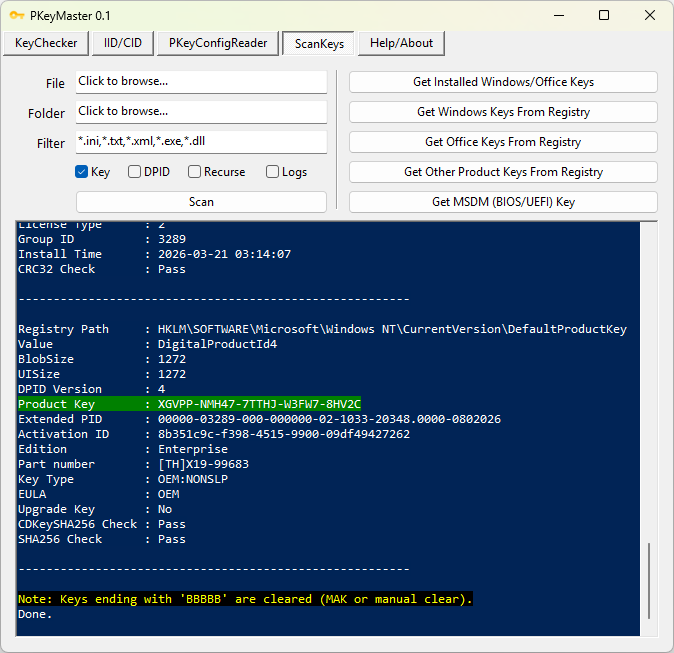
- Digital Product ID Scanning: Detects and reads Digital Product ID blobs in files.
- Key Retrieval: Retrieves Windows and Office keys from the SPP trusted store, registry, and MSDM (BIOS/UEFI).
- Batch Processing: Supports bulk validation of keys and IIDs.
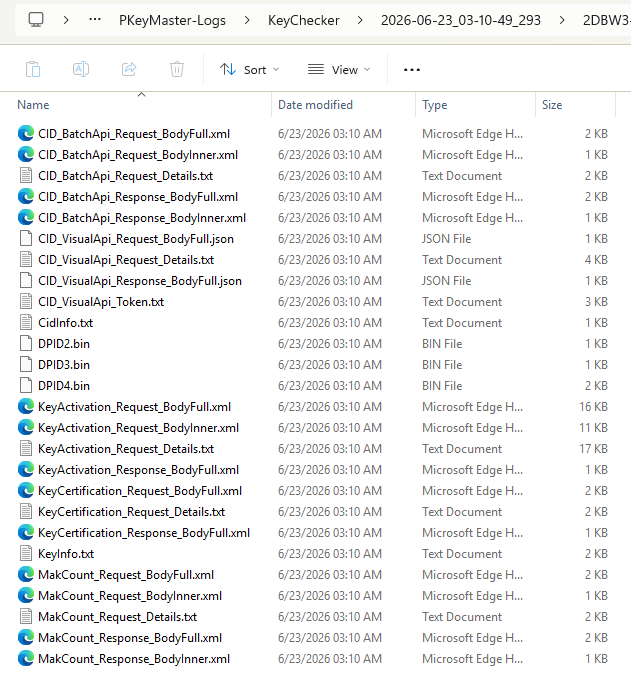
- Logging: Provides detailed logs and CSV exports.
- Open Source: Fully open source and built with PowerShell scripts.
Note
PKeyMaster is a non-piracy tool. It does not generate keys, crack products, or perform unauthorized activation.
Minimum Requirements
- Windows Vista SP1
- Windows PowerShell 2.0
- .NET Framework 3.5
To Do
- Expand the PKeyConfig collection.
- Publish a PKeyConfig comparison table to easily track changes.
- Make tools to accurately extract key range and BINK data from
pidgen.dll,dpcdll.dllandMSO.DLLetc for pre-Vista products. - Publish key ranges for all pre-Vista production and beta builds (current list is incomplete).